

Delete a non-app client
You can delete a client that you added without the app. Deleting removes the client and all their data, and it cannot be undone. Clients who registered in the app have no delete icon. A client who ends their sharing stays on your list, marked Client revoked access.
If the client now has an app account, merge the two instead, so that you keep the record.
Delete the client
Section titled “Delete the client”- In the portal menu, click Clients.
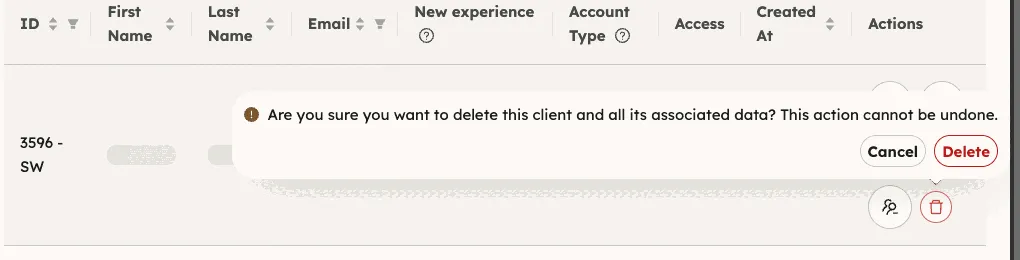
- In the client’s row, click the red trash icon.
- Read the question and click Delete. To keep the client, click Cancel.
You should now see the list without the client.