

Edit your practice details
A practice admin can change the details of the practice at any time. They are the details you gave when you set up your practice. The Practice menu is only shown to practice admins.
Change the details
Section titled “Change the details”- In the portal menu, click Practice, then Info.
- Change what you need: Mental Health Professionals in your Practice, National Provider Identifier (NPI) Number, Practice Name, Practice Email, Practice Website, Practice Phone, Extension or Practice Description.
- Click Save.
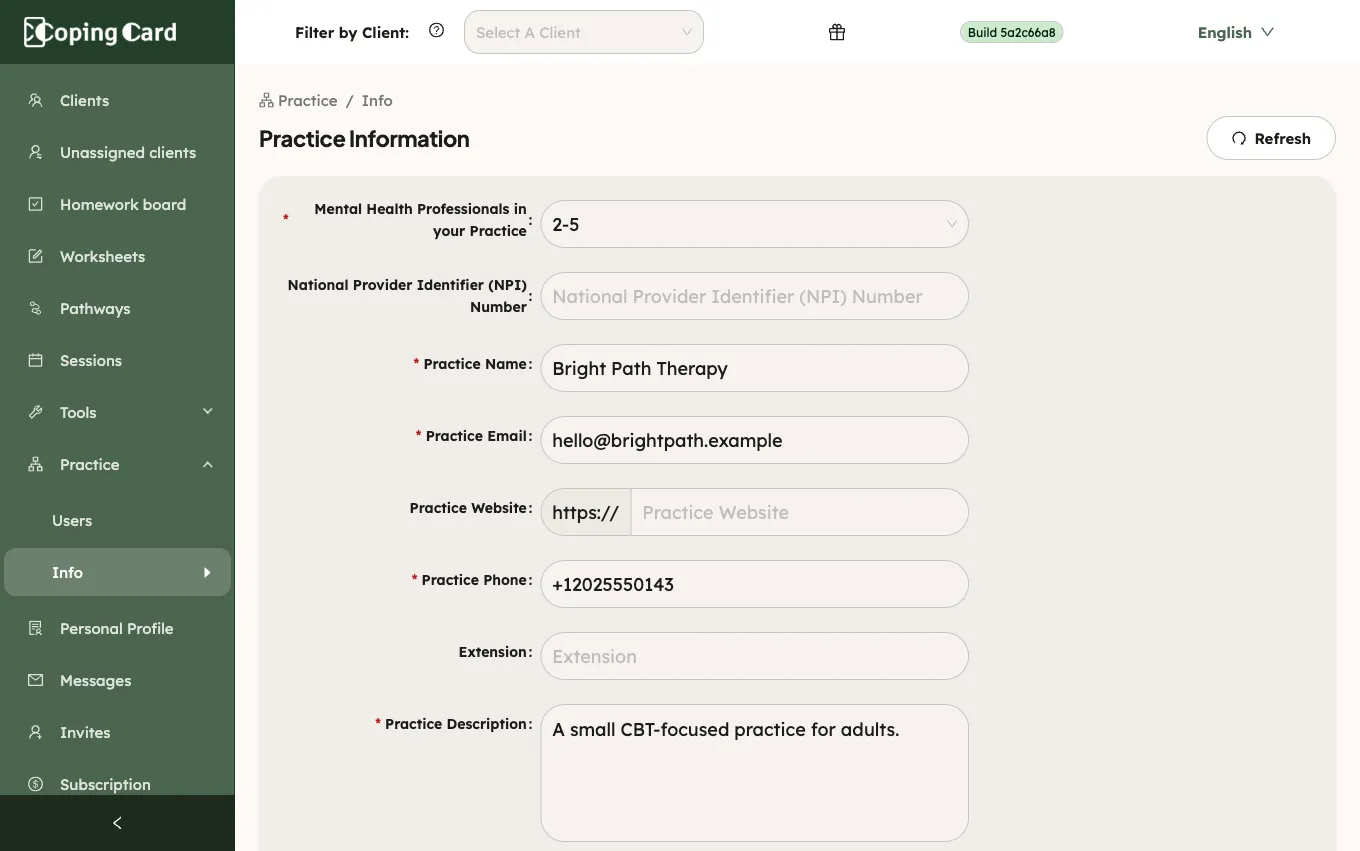
Practice Name, Practice Email, Practice Phone, Practice Description and the practice size are required. The National Provider Identifier (NPI) Number has ten digits.
What happens next
Section titled “What happens next”The new details are saved for the whole practice. The portal warns you if you leave the page with changes you have not saved.
Your clients see the practice name when they accept an invitation from you in the app.